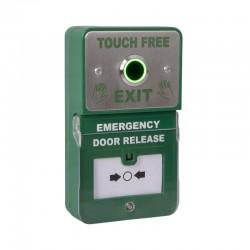
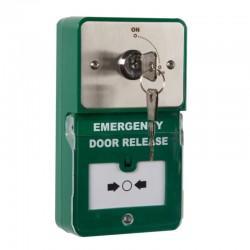
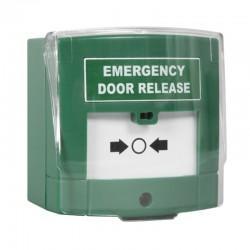
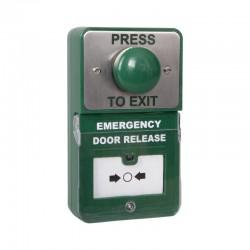
An emergency door release (EDR) is a critical component of access control systems. Commonly installed next to electronically locked doors or gates, it provides a manual method to release the door in case of power failure or access system malfunction.
When activated, the EDR either interrupts or supplies power to the lock, depending on the type of locking mechanism, allowing the door to open without triggering fire alarm.
Colour Coding:
Proper colour coding is essential to avoid confusion during emergencies:
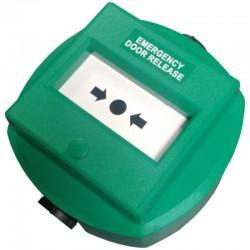
- Green – typically indicates a safe door release point, clearly distinguishing it from red fire alarm call points.
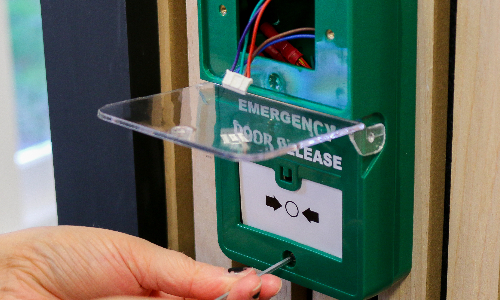
Below are some common problems you may encounter on site and how to resolve them.
Understanding Lock Types
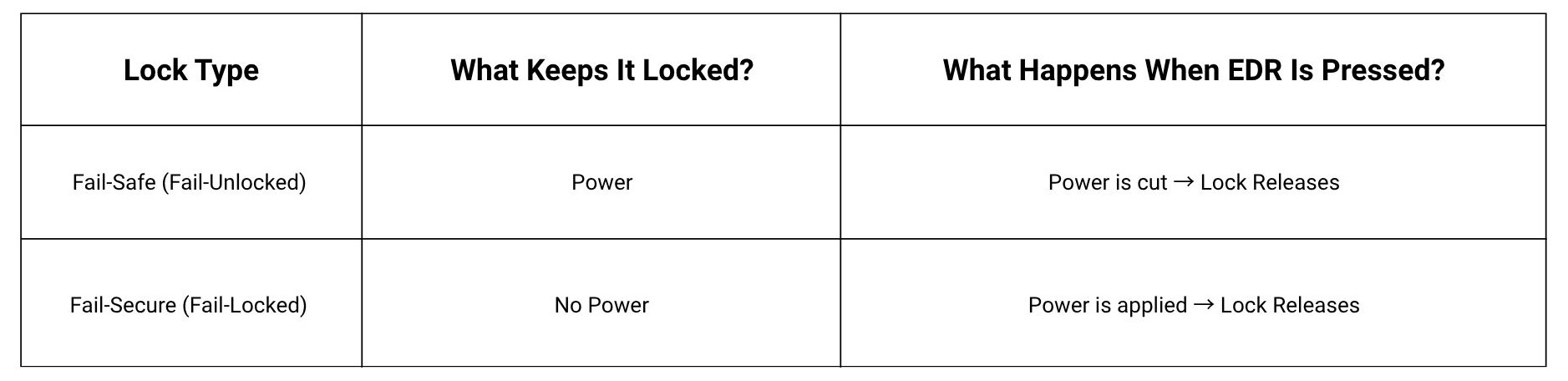
Before troubleshooting, it’s vital to know the electric lock type, as this determines how the emergency door release interacts with the lock:
Common EDR Faults and Troubleshooting
Most faults with emergency door release units arise from:
- Wiring mistakes
- Incorrect terminal connections
- Power supply issues
- Misidentified lock types
Here, we walk through the two most common issues you’re likely to encounter on site:
- The door doesn’t unlock when the EDR is activated.
- The break glass won’t reset after it’s been used.
We cover the common causes, steps you can take to rectify the problem, and some helpful tips for installers.
Issue: The door does not unlock when activating the emergency door release
Fail-Safe Locks
If a fail-safe door does not unlock, common causes include:
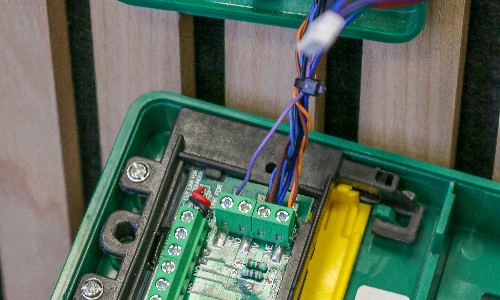
- Incorrect wiring between the EDR, electric lock, and control panel
- Loose, damaged, or disconnected wires preventing power cut
- Broken or stuck break glass mechanism
- Misidentified lock type
Troubleshooting Steps:
- Verify wiring against the manufacturer’s instructions and ensure all connections are secure.
- Inspect wires for damage or corrosion; repair or replace as needed.
- Test the break glass mechanism to ensure it can cut power; replace if faulty.
- Confirm the lock type before proceeding.
Fail-Secure Locks
If a fail-secure door does not release, common causes include:
- Incorrect terminal connections or wiring configuration
- Inadequate voltage supply to the lock
- Faulty or stuck break glass mechanism
- Misidentified lock type
Troubleshooting Steps:
- Check wiring configuration and terminal connections against the manufacturer’s instructions.
- Measure voltage to ensure the power supply is adequate for the lock.
- Test the break glass mechanism to ensure it can release power; replace if faulty.
- Confirm the lock type before proceeding.
Installer tips:
- Ensure you fully understand both wiring configurations to be able to adjust the wiring accordingly
- Assess the system first to ensure you know what lock type has been fitted
- Always check the cables have been correctly terminated
Issue: The Break Glass unit does not reset after activation
Resettable Units
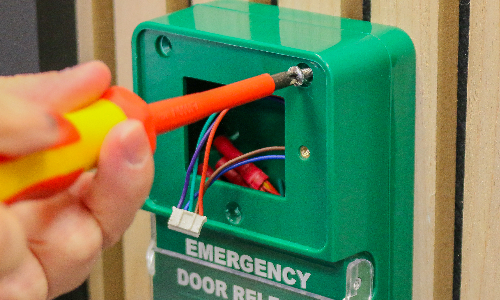
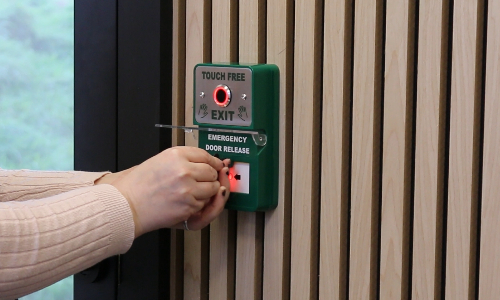
A resettable unit uses a mechanism that allows the device to be reset after activation, without replacing the glass.
Resettable EDR units may fail to reset due to:
- Using the wrong reset key
- Overtightening screws or components
- Skipping steps or performing reset incorrectly
- Ignoring manufacturer-specific instructions
Fixes:
- Always use the correct reset key for the unit
- Follow the reset procedure exactly as specified
- Avoid overtightening screws to prevent restricting the mechanism
- Test the unit after resetting by pressing lightly to confirm full functionality
- Educate customers on proper reset procedures and document the key type and steps for future reference
Non-Resettable Units
The classic break glass design includes a glass panel covering a button or lever. To activate, the user breaks the glass permanently triggering the release.
Non-resettable units may fail due to:
- Using the wrong glass size for replacement
- Incorrect installation of the replacement glass
- Using non-compatible glass material
Fixes:
- Use manufacturer-specified glass sizes
- Carefully remove broken glass before installing new pieces
- Ensure glass is seated evenly and securely in the frame
- Avoid forcing glass into place
- Test the unit to confirm proper activation and prevent accidental triggers
Installer tips:
- Keep a stock of correct replacement glass and reset keys for common units
- Educate customers that non-resettable units require full glass replacement after activation
- Ensure the correct training for the end user has taken place to prevent further issues
Practical On-Site Tips
For efficient troubleshooting and maintenance, installers should:
- Always test EDR units after installation or reset to ensure proper operation
- Keep spare reset keys and replacement glass on-site to reduce delays
- Include a quick reset and activation test during routine inspections
- Avoid assumptions—verify lock type and wiring before troubleshooting to prevent common faults
Final Checks for Reliable Emergency Release
Emergency break glass units are vital for safe and reliable access control, allowing doors to be manually released during power failures or system faults. Effective troubleshooting requires a clear understanding of the lock type (fail-safe or fail-secure) as this determines how the EDR interacts with the lock.
On-site issues typically include doors failing to unlock, break glass mechanisms not resetting, or wiring and power supply faults. By systematically checking wiring, confirming power supply, testing the mechanism, and using the correct reset procedures and replacement components, installers can resolve most problems quickly.







Comments