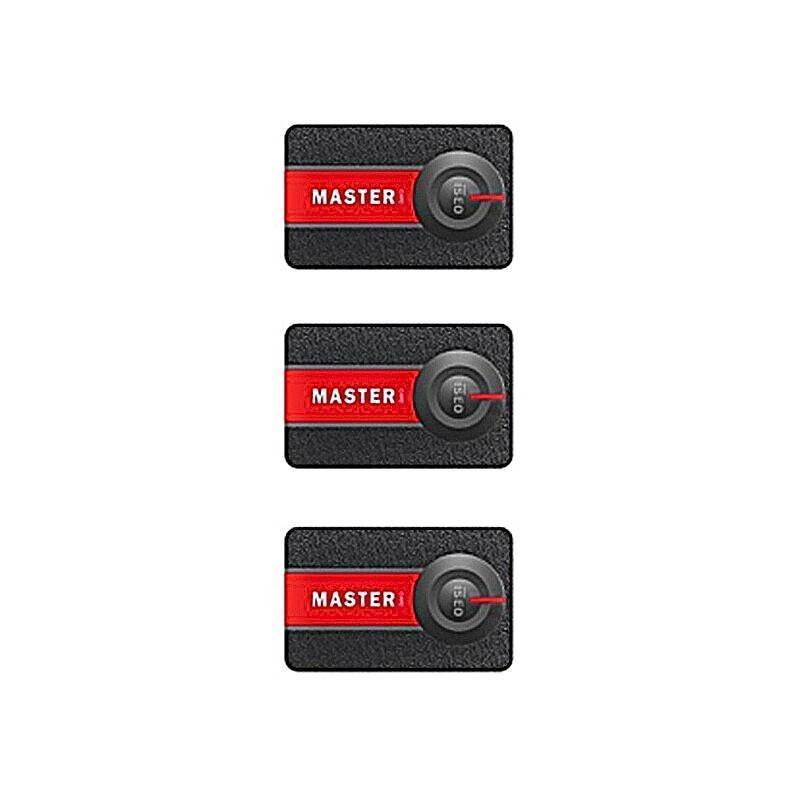
ISEO Master Cards for Programming Smart Locks
The ISEO Master Card Set is used to set up and program devices within your smart access system. These contactless cards allow installers or administrators to place devices into programming mode so that users, credentials, and system settings can be configured.
One pack of three Master Cards is required for each system. If multiple smart locks or handles are installed within the same system, only one set of master cards is needed. Once the system has been configured, the master cards can be stored safely and day-to-day access can be managed through the ISEO Argo mobile app.
Please note that these are programming cards, not credential cards.
Key Product Features:
- Master cards for ISEO Connected smart access devices
- Pack of three
- Contactless RFID programming cards
- Each set contains a unique system code
- Enables programming mode on compatible devices
- Allows manual enrolment of users and credentials
Compatible ISEO Smart Locks
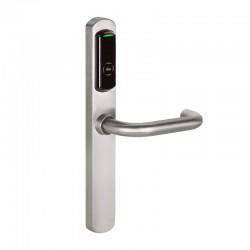
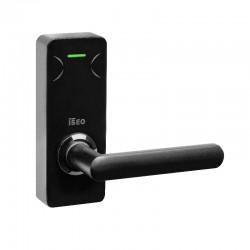
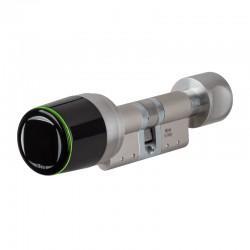
These ISEO master cards are used with several ISEO Connected smart devices, including:
- ISEO MA1A smart handle
- ISEO Aries smart handle
- ISEO Libra smart cylinder
Please note that master cards are not required for the ISEO Smart Relay.
ISEO Programming Master Cards Explained
Each master card set contains three cards that operate at different levels within the system. The cards are numbered 1, 2 and 3, and higher numbered cards can disable lower numbered cards if required.
- Master Card 1: Used for initial system setup and programming
- Master Card 2: Can replace or disable Master Card 1 if lost
- Master Card 3: Used to update the master card set and disable Master Card 2
This layered structure helps maintain system security if a master card is lost, compromised, or damaged.
ISEO Connected Smart System Setup
During the first setup of an ISEO Connected device, the master card assigns the system code to the device. All devices within the same installation must be enrolled using the same master card set.
Typical setup process:
- Present Master Card 1 to the device
- The device will confirm with acoustic and visual signals
- Programming mode can then be accessed to enrol users or configure settings
Once the system is set up, administration can be managed through the ISEO Argo app, reducing the need to regularly use the master cards.
Master Card Replacement and Security
If a master card is lost or damaged, the system allows lower-level cards to be disabled by presenting the next card in the sequence.
For example:
- Presenting Master Card 2 disables Master Card 1
- Presenting Master Card 3 disables Master Card 2
If both Master Card 1 and Master Card 2 are lost, ISEO recommend purchasing a new master card set to maintain system security.